Introduction
In the world of software development, efficiency, accuracy, and collaboration are everything. When I started my development journey, I managed projects by simply copying files into new folders every time I made changes. It didn’t take long to realize how messy, risky, and time-consuming this approach was.
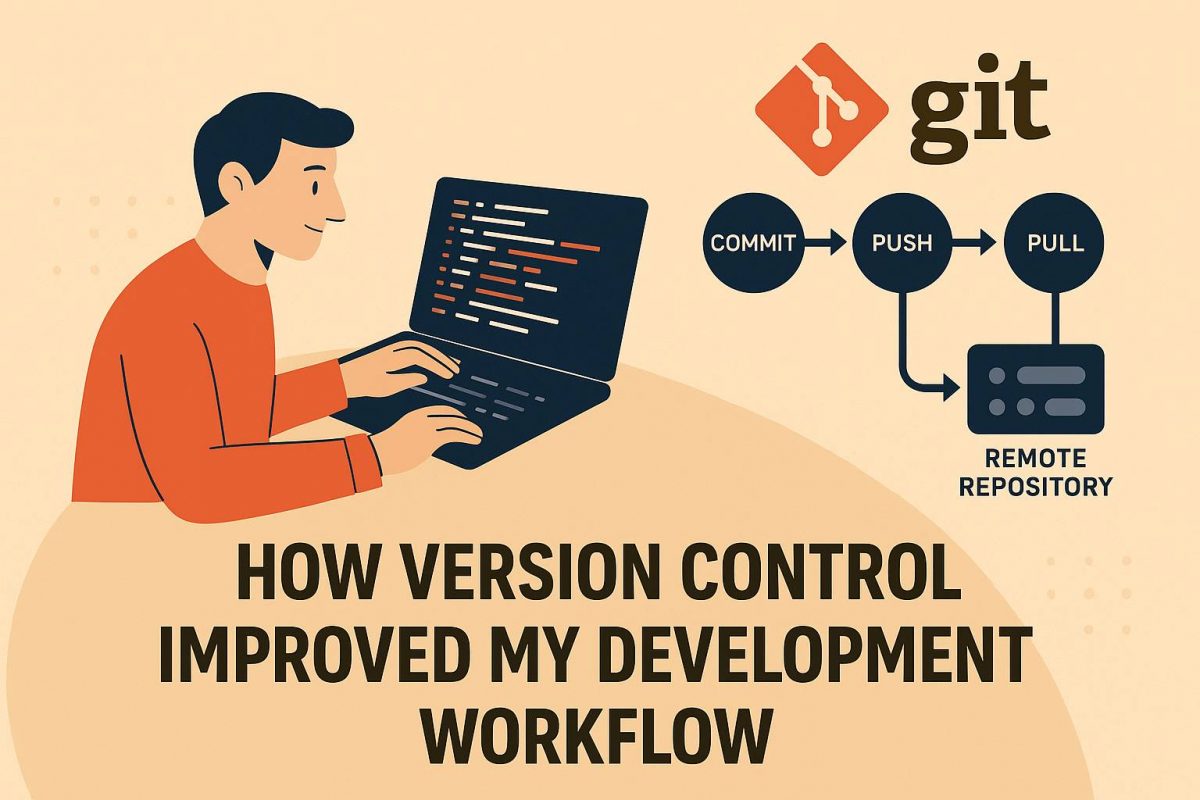
Everything changed the moment I adopted Version Control, especially Git. It not only transformed the way I work it elevated my entire development process.
1. No More Losing Work
Before version control, a single mistake could break the entire project and restoring it was torture.
With Git:
- Every change is tracked
- Every commit is stored safely
- You can revert to any stable version in seconds
This gave me the confidence to experiment, knowing I would never lose hours of work again.
2. Organized, Trackable Progress
Git’s commit history is like a diary of my development journey:
- What I changed
- Why I changed it
- When I changed it
Instead of guessing what happened last week or why a bug appeared, I can simply inspect earlier commits. This level of clarity made debugging and auditing dramatically faster.
3. Seamless Collaboration With Teams
Whether working with two developers or twenty, version control keeps everything in sync.
Branches allow each developer to work independently without breaking the main codebase.
My teamwork improved because:
- No one overwrites each other’s work
- Merge conflicts can be resolved cleanly
- Everyone works on their own tasks without interruption
This is essential for modern agile development.
4. Experiment Without Fear (Thanks to Branching)
Branches were a game-changer for my creativity.
I could:
- Try new features
- Test performance tweaks
- Explore UI improvements
If something didn’t work out, I simply deleted the branch no harm done. This freedom encouraged innovation and helped me ship stable features faster.
5. Continuous Integration Became Possible
Version Control integrates seamlessly with CI/CD tools like GitHub Actions, GitLab CI, and Jenkins.
This allowed my projects to:
- Automatically run tests
- Build production-ready bundles
- Deploy to servers with zero manual steps
With automated pipelines, my workflow became efficient, consistent, and less error-prone.
6. Better Code Quality and Review Process
Pull requests (PRs) transformed how I write code.
They helped me:
- Review my own work before merging
- Let teammates comment and suggest improvements
- Maintain clean and consistent coding standards
This greatly improved the overall code quality in my projects.
7. Transparency and Accountability
Every commit has an author, timestamp, and description.
This builds a transparent environment where:
- Tasks are easier to track
- Bugs are simpler to trace
- Responsibilities are clear
Whether on a personal project or a team environment, accountability becomes natural.
8. Easy Backup & Cross-Device Development
With remote repositories like GitHub, GitLab, and Bitbucket:
- My code is always backed up
- I can work from any device
- Nothing is ever truly lost
This eliminated my fears about laptop crashes or file corruption.
Version Control isn’t just a tool it’s a foundation for modern software development. It helped me become more organized, confident, and efficient. Today, I can’t imagine writing code without Git.
Whether you’re a beginner or an experienced developer, embracing Version Control will dramatically improve your workflow and make you a better, more reliable developer.

Apsara Madhushani
8 articles