Cloud / Application Development
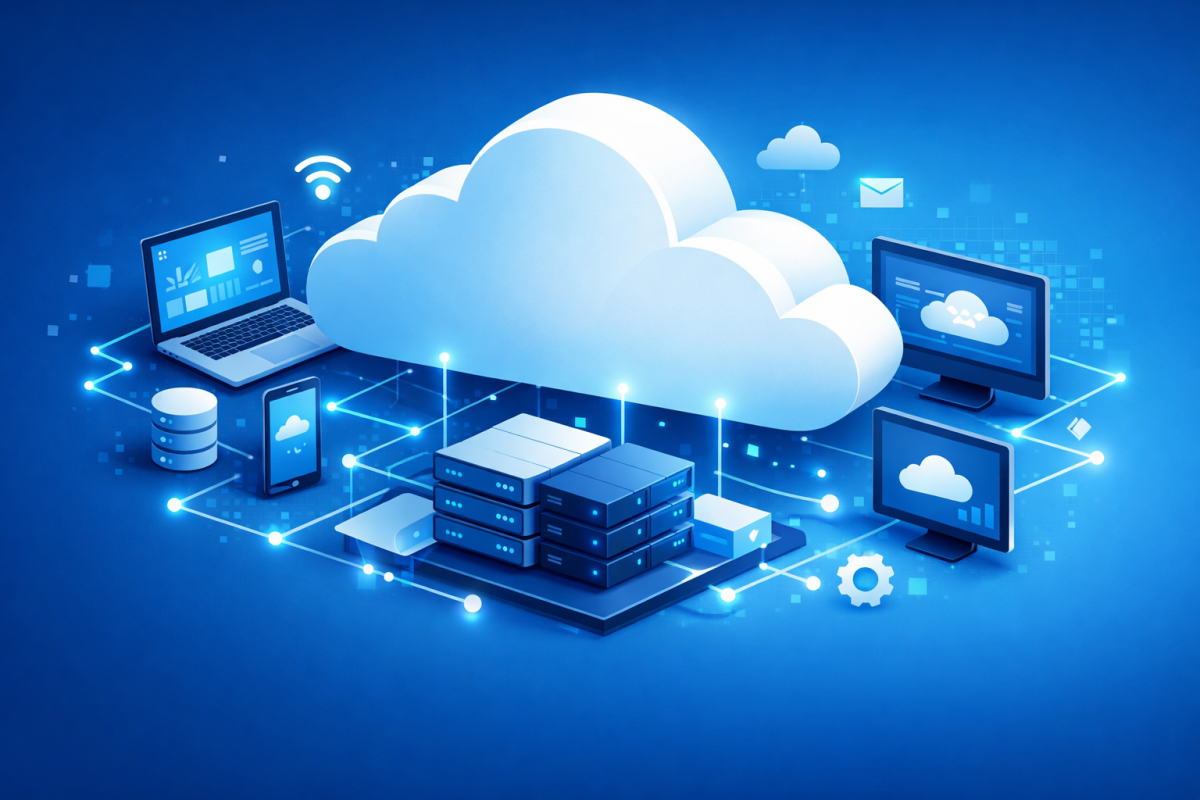
Cloud computing plays a crucial role in today’s digital-first world, businesses and individuals rely heavily on technology to operate efficiently. From storing files to running applications, computing needs are growing faster than ever.
Instead of depending on physical computers or in-house servers, cloud computing allows users to access powerful computing resources over the internet. It offers flexibility, scalability, and cost efficiency making it a preferred choice for startups, enterprises, and developers alike.
Let’s explore what cloud computing is, why it matters, and how different cloud service models work.
What Is Cloud Computing?

At its core, cloud computing means using computing resources such as servers, storage, databases, and software over the internet instead of relying on your own local machines or hardware.
Rather than purchasing and maintaining expensive servers, users can access these resources on demand from cloud providers. This approach removes the burden of hardware management and allows organizations to focus on innovation and growth.
Simply put, the cloud gives you access to technology whenever you need it, wherever you are.
Why Cloud Computing Is Important
Cloud computing has transformed the way businesses operate. Here are some key reasons why organizations are moving to the cloud:
Cost Efficiency
There’s no need to invest heavily in physical servers or data centers. You only pay for the resources you use, which significantly reduces upfront and maintenance costs.
Access from Anywhere
Cloud services can be accessed from any location with an internet connection, enabling remote work and global collaboration.
High Performance
Cloud providers use powerful infrastructure to deliver fast processing speeds and reliable performance, even during high-demand periods.
Security and Reliability
Leading cloud platforms implement strong security measures, including encryption, monitoring, and regular updates, ensuring your data remains protected and available.
Cloud Computing Service Models
Cloud services are commonly divided into three main models, depending on how much control and management the user requires.
Infrastructure as a Service (IaaS)
IaaS provides the basic building blocks of cloud computing.
What You Get
- Virtual machines
- Storage
- Networking resources
What You Manage
- Operating system
- Applications
- Runtime environment
IaaS offers maximum flexibility and control, making it ideal for businesses that want to customize their infrastructure without managing physical hardware.
Popular IaaS Examples
- Amazon EC2
- Google Compute Engine
- Microsoft Azure Virtual Machines
Platform as a Service (PaaS)
PaaS is designed for developers who want to build, test, and deploy applications without worrying about server management.
What You Get
- Operating system
- Runtime environment
- Development tools
What You Manage
- Your application code
PaaS simplifies the development process and speeds up deployment, allowing teams to focus purely on creating applications.
Popular PaaS Examples
- Google App Engine
- Heroku
- AWS Elastic Beanstalk
Software as a Service (SaaS)
SaaS delivers fully functional software applications over the internet.
What You Get
- Ready-to-use software
- No installation or maintenance required
Users can access SaaS applications directly through a web browser, making them extremely convenient and user-friendly.
Popular SaaS Examples
- Gmail
- Google Docs
- Microsoft 365
Cloud Deployment Models
Cloud computing can also be categorized based on how the cloud infrastructure is deployed.

Public Cloud
A public cloud is shared among multiple organizations and delivered over the internet by a third-party provider.
Key Characteristics
- Shared infrastructure
- Cost-effective
- Highly scalable
Examples
- Amazon Web Services (AWS)
- Google Cloud Platform
- Microsoft Azure
Public clouds are ideal for startups and businesses looking for flexibility without heavy investment.
Private Cloud
A private cloud is dedicated to a single organization.
Key Characteristics
- Exclusive resources
- Enhanced security
- Greater control
Private clouds are commonly used by organizations with strict security, compliance, or performance requirements.
Cloud computing has become the backbone of modern digital services. Whether you’re hosting applications, developing software, or using online tools, the cloud provides a reliable and scalable solution for today’s technology needs.
By understanding cloud service models and deployment options, businesses can choose the right approach to improve efficiency, reduce costs, and stay competitive in a rapidly evolving digital landscape.
Recommended Resources to Explore Cloud Computing Further
Official Cloud Provider Guides (Beginner-Friendly)
-
Amazon Web Services – What Is Cloud Computing?
https://aws.amazon.com/what-is-cloud-computing/
(Clear explanations with real-world examples) -
Microsoft Azure – Cloud Computing Basics
https://azure.microsoft.com/en-us/resources/cloud-computing-dictionary/what-is-cloud-computing/
(Good for understanding cloud models and use cases) -
Google Cloud – Cloud Computing Overview
https://cloud.google.com/learn/what-is-cloud-computing
(Simple visuals and modern explanations)

Asini Jayalath
1 articles